

Dashboard & CRM Insights
Get a clear view of your sales performance with key metrics, leads, proposals, targets, revenue, expenses, and tasks, all accessible from your mobile CRM dashboard.
Manage leads, customers, opportunities, tasks, follow-ups, and sales activities directly from your mobile device with the QuikOne CRM Mobile App. Keep your customer information and sales workflow accessible while working in the office or meeting customers in the field.
Sales teams need access to customer information, opportunities, proposals, and follow-ups wherever work takes them. QuikOne CRM brings these activities together in one mobile workspace, helping teams stay organized and connected.
QuikOne CRM brings core sales management and everyday work activities into one mobile application.
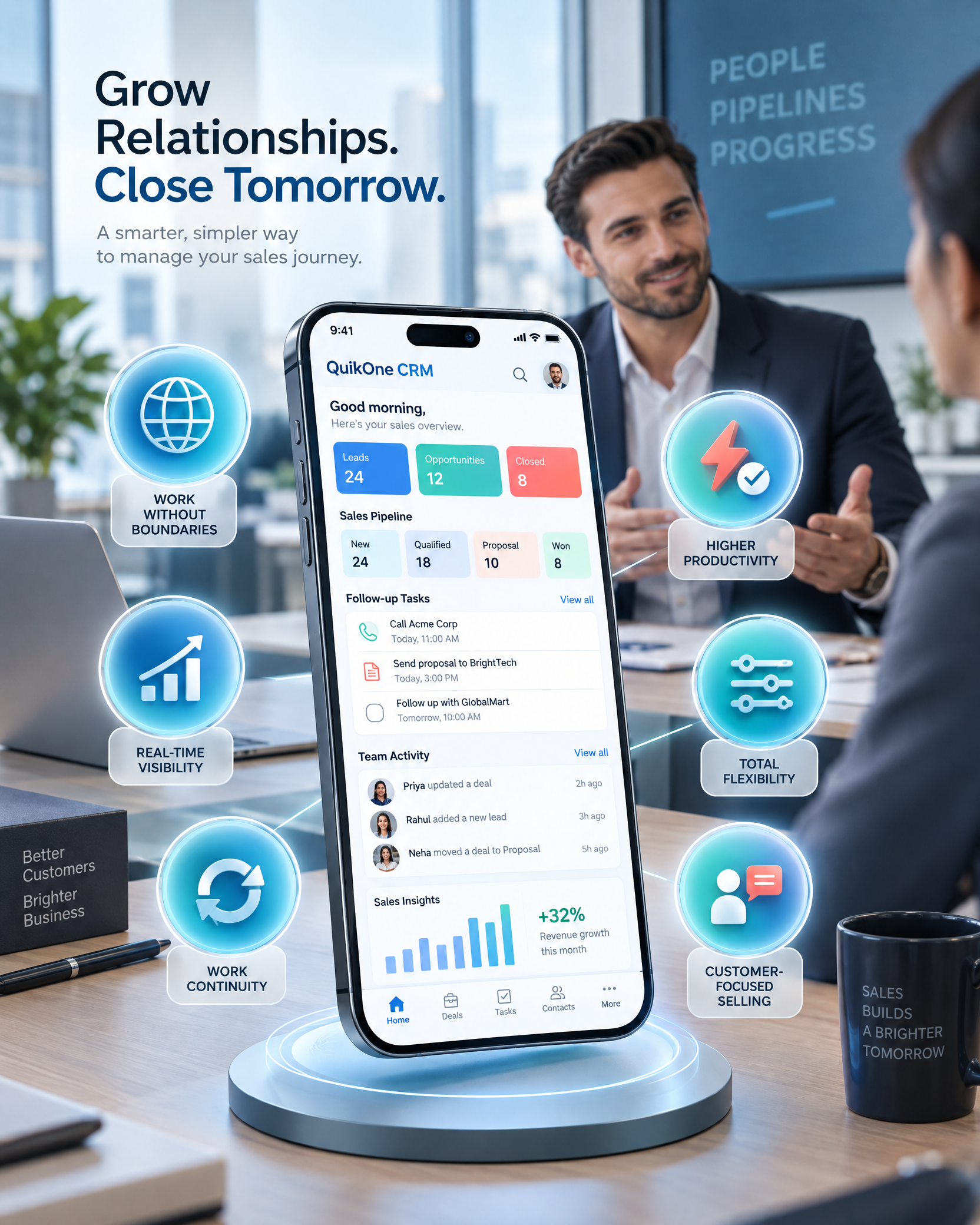
Get a clear view of your sales performance with key metrics, leads, proposals, targets, revenue, expenses, and tasks, all accessible from your mobile CRM dashboard.
Manage your leads on the go with quick access to lead details, status, attachments, proposals, and follow-up activities, from initial contact to conversion.
Keep customer information within reach with access to contacts, company details, proposals, documents, and records, along with supported phone, email, and WhatsApp communication.
Create, access, and track proposals from your mobile app while keeping every proposal connected to the right lead or customer throughout the sales process.
Handle invoices from your phone by managing line items, quantities, rates, taxes, discounts, totals, and payment status without leaving your CRM workflow.
Capture customer requirements directly from your mobile app and keep them linked to the relevant CRM records for easy access throughout the sales journey.
Keep important agreements accessible on mobile with details such as validity, commercial terms, customer information, attachments, and supporting documents.
Record business expenses and submit claims with supporting receipts for review.
Log working hours and submit timesheets to support accurate work records and review.
Submit leave requests with relevant details and supporting documents, where required.
Plan daily activities, review scheduled tasks, and stay aware of upcoming commitments.
Manage internal requests through structured review processes, with visibility into their approval status.
Support the day-to-day responsibilities that keep your sales team organized, with mobile tools for workforce administration, activity planning, and internal processes.

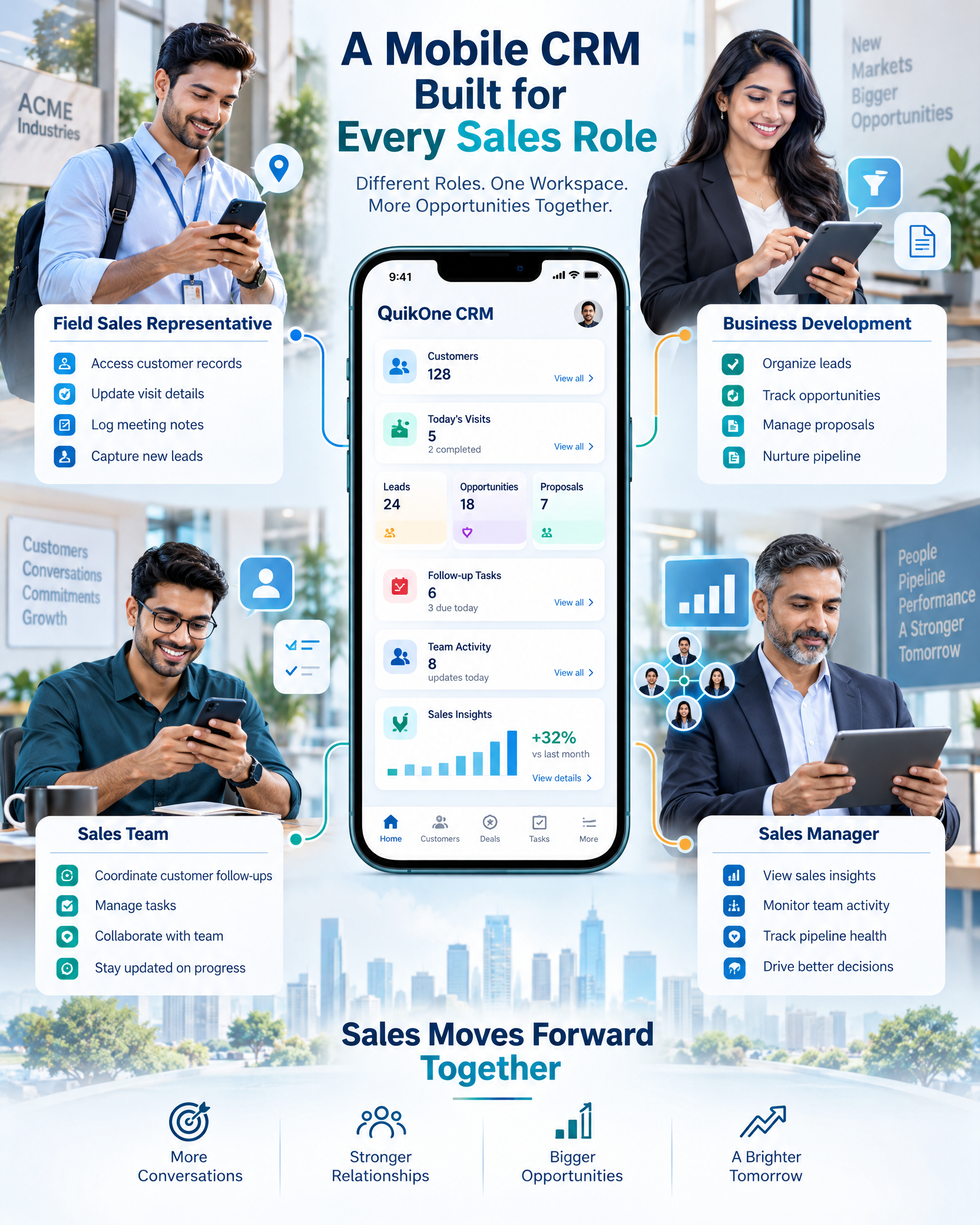
QuikOne CRM mobile app supports different roles involved in managing customer relationships and sales operations.
Access customer information, manage visits, and keep sales activities updated while on the move.
Organize leads, review opportunities, and manage proposal-related activities.
Maintain customer records, coordinate follow-ups, and manage sales tasks.
Review available sales insights and monitor team activities.
QuikOne CRM Mobile App brings together the capabilities sales teams need to manage customer relationships and everyday work.
QuikOne CRM helps sales teams stay connected, work efficiently, and manage customer relationships while on the move. With a mobile experience designed around everyday business needs, teams can maintain continuity, improve coordination, and keep work progressing beyond the office.

Access essential CRM information beyond the office.
Manage sales activities and follow-ups on the go.
Review available sales insights and team activities.
Support everyday sales workflows as business needs evolve.
Keep customer information and sales activities accessible.
Access relevant customer details during meetings and visits.
A CRM mobile app is a mobile version of customer relationship management software that allows sales teams to access and manage customer, sales, and related business information from mobile devices.
A mobile CRM can help teams manage leads, customers, sales activities, opportunities, proposals, invoices, requirements, tasks, follow-ups, documents, and other customer-related information while working away from the office.
Yes. QuikOne CRM supports field sales workflows with mobile access to customer and sales information, customer visits, field activities, attendance, and location tracking.
Yes. Users can view and create leads, access lead details, track lead status, view related attachments and proposals, search leads, and sort or filter lead records.
Yes. Users can view and add customers, access customer and contact information, view related documents and proposals, search customer records, and use supported contact options.
Yes. The mobile application supports creating and managing proposals and invoices, including invoice line items, quantities, rates, taxes, discounts, and payment status.
Yes. Users can create and submit expenses, attach receipts, track expense approval status, record timesheets, submit them for approval, and monitor timesheet status.
Yes. Users can create leave requests, specify the leave period and type, add remarks or supporting documents, submit requests, and track their approval status.
Yes. Users can search supported CRM records, sort and filter information, open detailed records, and access related documents and information.
Stay connected with customers and manage sales activities on the go with the QuikOne CRM mobile app. Access customer information and keep field sales workflows organized, even when you’re away from the office.